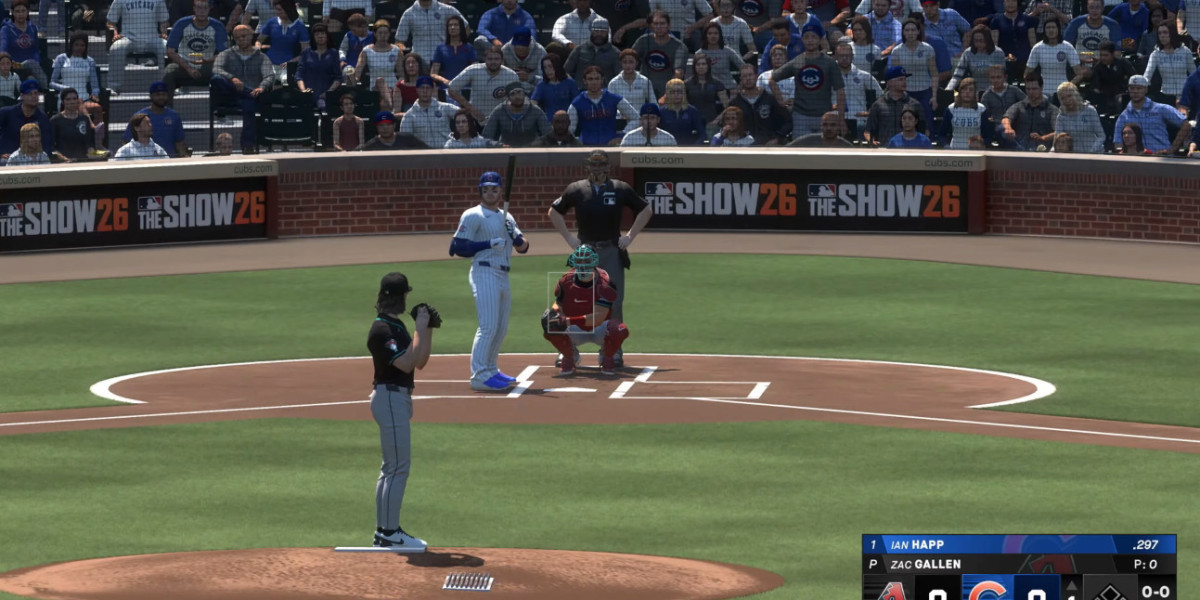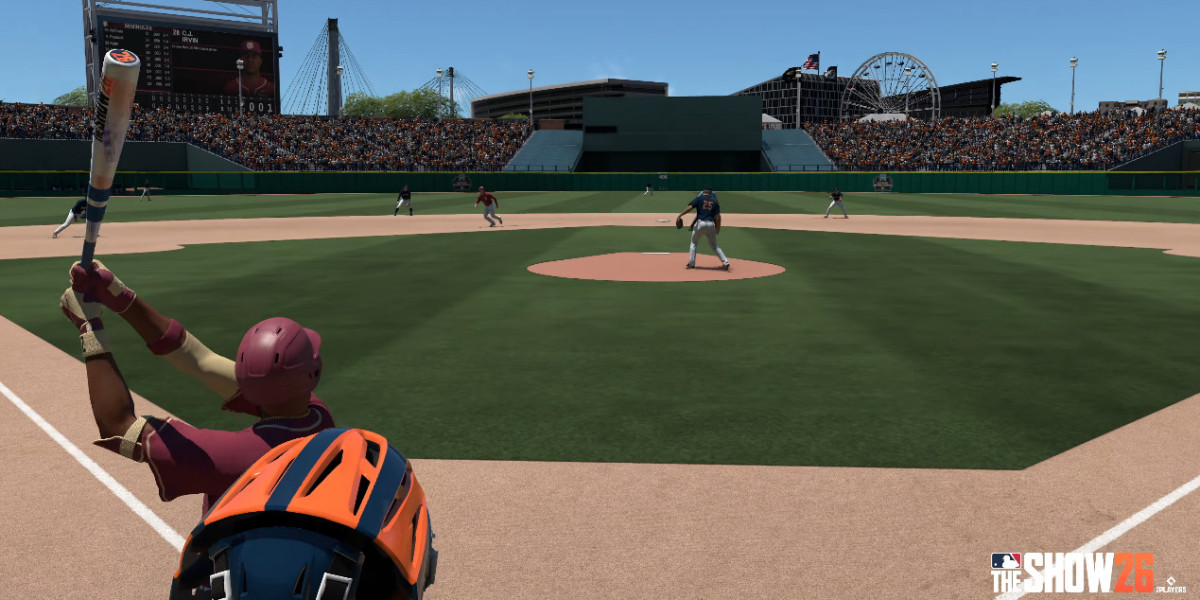

Stepping into the batter's box in MLB The Show 26 can feel incredibly intimidating. When an opponent unleashes a 102-mph four-seam fastball at the top of the zone, followed immediately by an 82-mph sweeping slider that falls off the table, split-second panic sets in. If you are a beginner, trying to track that movement while managing your hands on the controller often leads to a lot of empty, frustrated swings.
The key to turning things around is simple: you need to find a setup that matches your current skill level while giving you room to grow. MLB The Show 26 features several distinct hitting interfaces, each built for a different style of play. This guide breaks down the absolute best hitting interfaces for beginners this year, using actual game data to help you make the right choice.
The Hitting Interfaces: From Training Wheels to the Majors
To pick the right interface, it helps to see how they stack up against each other in terms of difficulty, what they control, and how they impact your performance.
| Interface | Control Focus | Power Output | Best For |
| Timing | Swing Timing Only | Moderate (AI Caps) | Complete Newcomers / Casual Offline Play |
| Big Zone | 9-Section Grid + Timing | Capped / Penalty Applied | Transitioning Players / Learning the Plate |
| Standard Zone | Full Manual PCI + Timing | Maximum (Uncapped) | Competitive Play / Long-term Mastery |
Option 1: Timing Hitting (The Safe Entry Point)
If you have never played a baseball game before, or if your reaction time feels completely overwhelmed by high velocity, start with Timing Hitting.
This interface completely removes the Plate Coverage Indicator (PCI)—the yellow indicator used to manually track the ball—from your screen. The game's internal AI handles where the bat goes based on your player's attributes. Your only job is to press the normal swing button (X on PlayStation, A on Xbox) at the exact right moment.
While this makes the game highly accessible, it relies heavily on your player's statistics. If you use Timing Hitting with a low-contact player, the AI-controlled contact area is tiny, meaning even a "Good" timed swing can result in a routine pop fly. It is a fantastic tool to learn the rhythm of different pitches, but it will eventually hold you back in online play because you are letting the game roll the dice on your contact quality.
Option 2: Big Zone Hitting (The Perfect 2026 Sweet Spot)
For most beginners looking to actually improve and transition into online modes, the standout choice this year is Big Zone Hitting. Introduced as a major new feature in MLB The Show 26, Big Zone serves as a hybrid bridge between casual play and competitive mechanics.
Instead of forcing you to use pixel-perfect analog stick precision to move your PCI, Big Zone divides the strike zone into 9 distinct, static blocks.
[ Top-Left ] [ Top-Mid ] [ Top-Right ][ Mid-Left ] [ Center ] [ Mid-Right ][ Bot-Left ] [ Bot-Mid ] [ Bot-Right ]When a pitch comes in, you simply flick and hold your left analog stick into one of those 9 zones to match the ball's location, then time your swing.
The Numbers: Because it is more forgiving, San Diego Studio built in a clear performance trade-off. Using Big Zone Hitting introduces an intentional penalty to your maximum power output. Even if you secure a "Perfect-Perfect" connection, the ball will not fly off the bat quite as hard as it would on Standard Zone.
The Verdict: It is an incredible learning tool. It teaches you how to quickly identify whether a ball is high, low, inside, or outside without the frustration of completely over-correcting your analog stick and missing the ball entirely.
Why Standard Zone is the Ultimate Goal
While Timing and Big Zone are excellent places to start, every player should eventually strive to master Standard Zone Hitting. It is the undisputed gold standard for competitive play.
Standard Zone gives you manual, fluid control over the PCI. If the pitch is a fraction of an inch low and outside, you can slide your PCI exactly to that spot. It offers zero artificial caps on your exit velocity, meaning you get the true, unfiltered power of your batters.
At U4N, we see thousands of players trying to survive Diamond Dynasty with basic settings, only to get shut down once they hit the Veteran and All-Star difficulties. To build a truly competitive team in that mode, you need top-tier players, which requires a heavy investment of time or in-game currency. If you want to bypass the massive offline grind for rewards, players often look to acquire cheap MLB The Show 26 stubs to quickly assemble a competitive squad, allowing them to focus entirely on mastering the Standard Zone interface against real opponents.
Pro Settings to Pair with Your Interface
Picking the right interface is only half the battle. To give yourself the cleanest view of the ball, make sure to change these two critical settings in your main options menu:
Hitting View: Strike Zone or Strike Zone High
Why: The default camera is pulled way too far back, showing the batter’s entire body and the catcher. Switching to Strike Zone zooms the camera directly into the plate. The pitcher and the ball take up the entire screen, making it infinitely easier to see spin, recognize a breaking ball, and judge whether a pitch is going to be a ball or a strike.
PCI Sensitivity Slider
Why: If you are trying out Standard Zone and find yourself constantly "slamming" the analog stick all the way to the edges of the screen on every pitch, go into your settings and turn down the PCI Sensitivity slider. Lowering it by just 2 or 3 notches adds a slight dampening effect, preventing your thumb from over-reacting to fastballs.
Start your journey in Custom Practice mode using Big Zone Hitting with the Strike Zone camera. Once you can consistently hit line drives into the gaps, turn off the training wheels, switch over to Standard Zone, and start crushing line drives.